

About This Course
Microsoft Excel is a spreadsheet software, a spreadsheet an electronic document in which data is arranged in the rows and columns of a grid and can be manipulated and used in calculations. Microsoft Excel makes it easy and best way to do many tasks which requires information to be arranged in form of tables. Being comfortable using Excel is a great skill to have. You have the power to organise and manipulate almost any kind of digital information.
Once you have mastered Excel, you’ll never look back. You will be more productive and employable. With Excel, you can:
- Do quick calculations and create charts
- Organise personal information, such as accounts and usernames
- Create budgets and record expenses (accounting)
- Create plans and timetables
- Read information supplied to you as data
- Sort downloaded information, such as bank transactions
- Build databases and do analysis in a work setting
Learning Objectives
By the end of this course you will be able to:
Create an Excel worksheet
Manipulate data using simple and complex formulas
Save and send Excel reports
Print Excel Sheets
Create beautiful graphs from data
Material Includes
- Course Training Manuals
- Youtube Videos
Requirements
- You will need the following:
- A computer which have Internet
- Microsoft Office Excel 2010/2013/2016 0r 2019
- Access to MyPolytech Portal
Target Audience
- Anyone who wants to learn how to use computers for general or official use
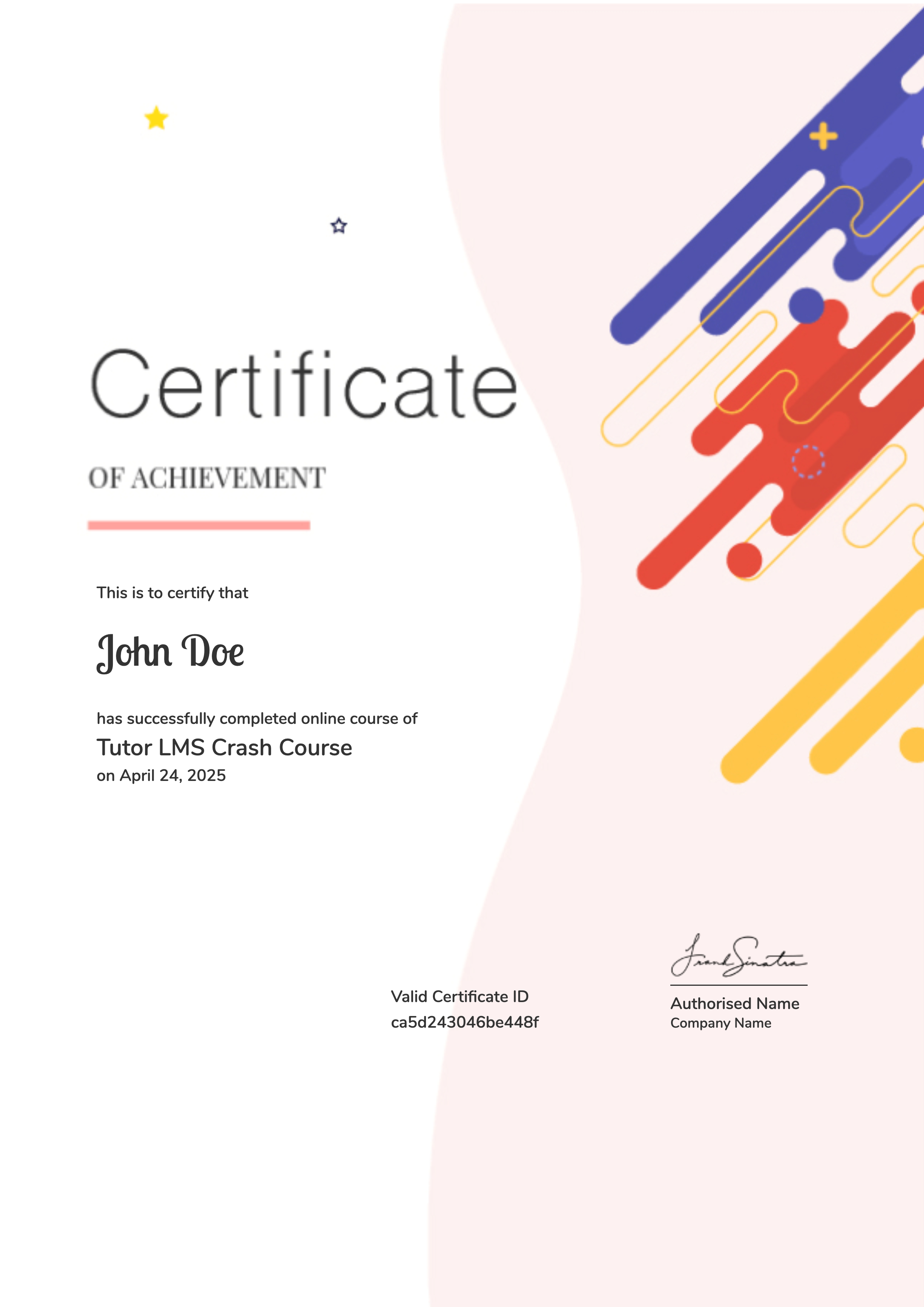
Earn a certificate
Add this certificate to your resume to demonstrate your skills & increase your chances of getting noticed.
Your Instructors

R300.00
Material Includes
- Course Training Manuals
- Youtube Videos

Microsoft Office Outlook 2016
R300.00

Microsoft Office Access 2016
R300.00

Microsoft Office PowerPoint 2016
R300.00

 Login with Google