

About This Course
Microsoft Outlook and looks into the practical application of its numerous functionalities. The video lessons touch on several topics such as Outlook’s interface, Account Management, Sending E-mails, and other Mailing functionalities. Besides that, we will discuss how to use the Calendar Manager. Finally, we will focus on how to organize multiple tasks and we will show you some tips and tricks that will improve your performance in Outlook. Specializing in these topics will have a great impact on your career because employers consider this software a necessary prerequisite before selecting you for a given job.
Learning Objectives
You will be able to manage your emails, calendar events, contacts and tasks
Learn Outlook’s most valuable communication tools
Acquire handy tips and tricks that can be applied in a professional environment
Material Includes
- Course Notes
- Quizes
- Exams
Target Audience
- New users of Microsoft Outlook
- Intermediate users of Outlook
- Everybody who wants to improve their performance and productivity at work
- Everybody who wants to learn some productivity tips that save a lot of time
Curriculum
20h
Lesson 1: Getting Started with Outlook
What Is Outlook?
Opening the Program
Looking at The Screen
Outlook Help
Customizing the Navigation Bar
Lesson 2: The Mail Module
Creating an Email Message
Using Cc and Bcc in Messages
Reading and Viewing Messages
Sending and Receiving Messages
The Reading Pane
Reading Pane Options
Response Options to Messages
Deleting A Message
Replying To/Forwarding A Message
Creating A Signature
Working with Attachments
Attaching Files to Messages
Displaying Attachments in Received Messages
Saving Attachments to Your Computer
Deleting Attachments
Setting Attachment Reminder Options
Managing the Mailbox
Creating Folders
Moving Messages
Deleting Folders
Managing Junk Email
Marking Messages as Junk
Marking A Message as Read/Unread
Lesson 3: Using the People Module
Creating A New Contact
Creating A Contact Business Card
Sending A Contact Card
Editing or Deleting Contacts
Organizing Contacts
Contact Folders
Moving Contacts
Printing Contacts
Lesson 4: The Calendar Module
Changing the Calendar View
The Date Navigator
Creating an Appointment
Creating A Recurring Calendar Item
Scheduling Events
Setting Reminders
Calendar Options
Adding Calendars
Deleting Calendars
Multiple Calendars
Overlaying Calendars
Printing Calendars and Items
Printing A Calendar
Printing A Calendar Item
Using Search in Outlook
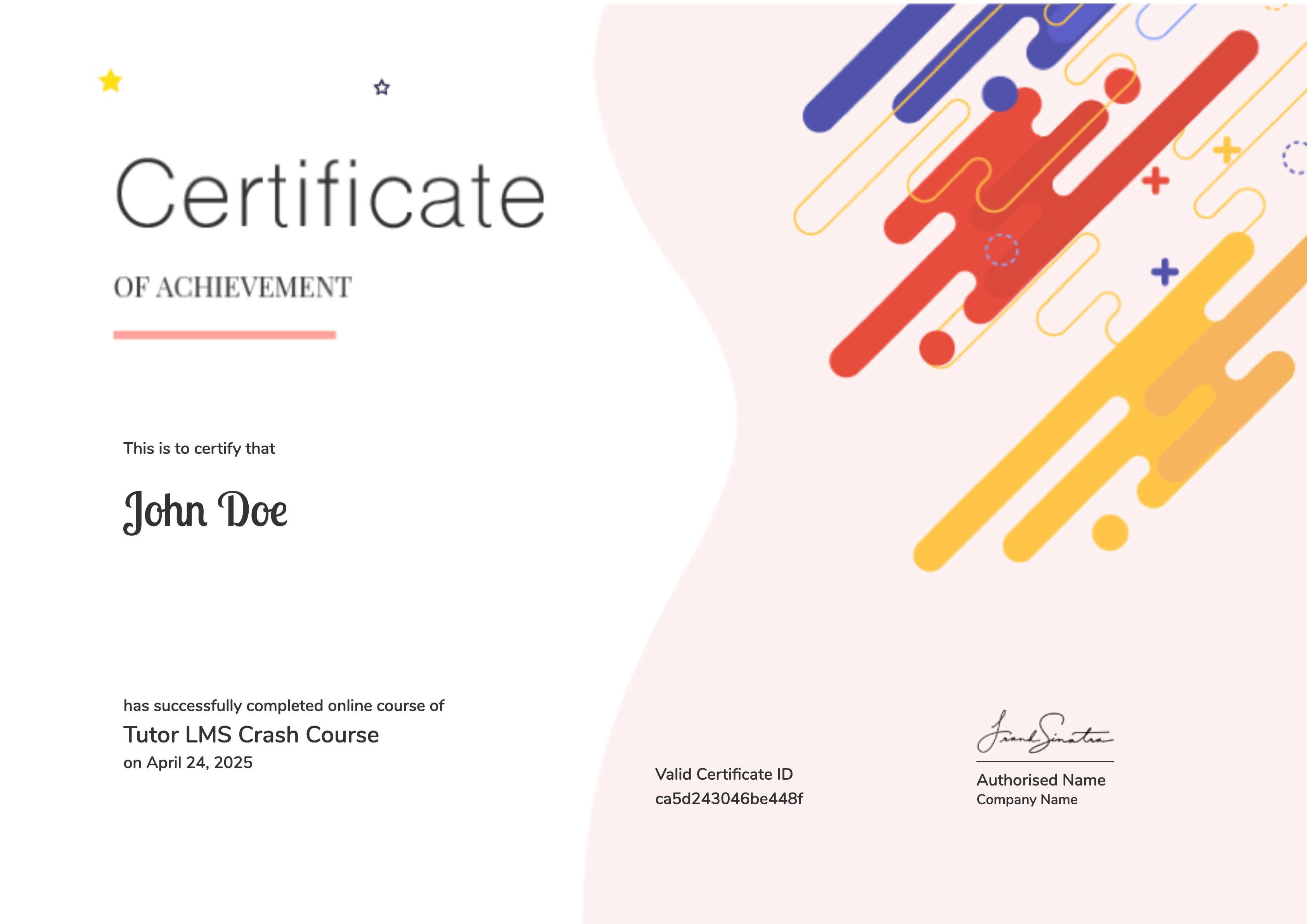
Earn a certificate
Add this certificate to your resume to demonstrate your skills & increase your chances of getting noticed.
Your Instructors


R300.00
Material Includes
- Course Notes
- Quizes
- Exams

Microsoft Office Access 2016
R300.00

Microsoft Office PowerPoint 2016
R300.00


 Login with Google